Stop losing hours to your phone
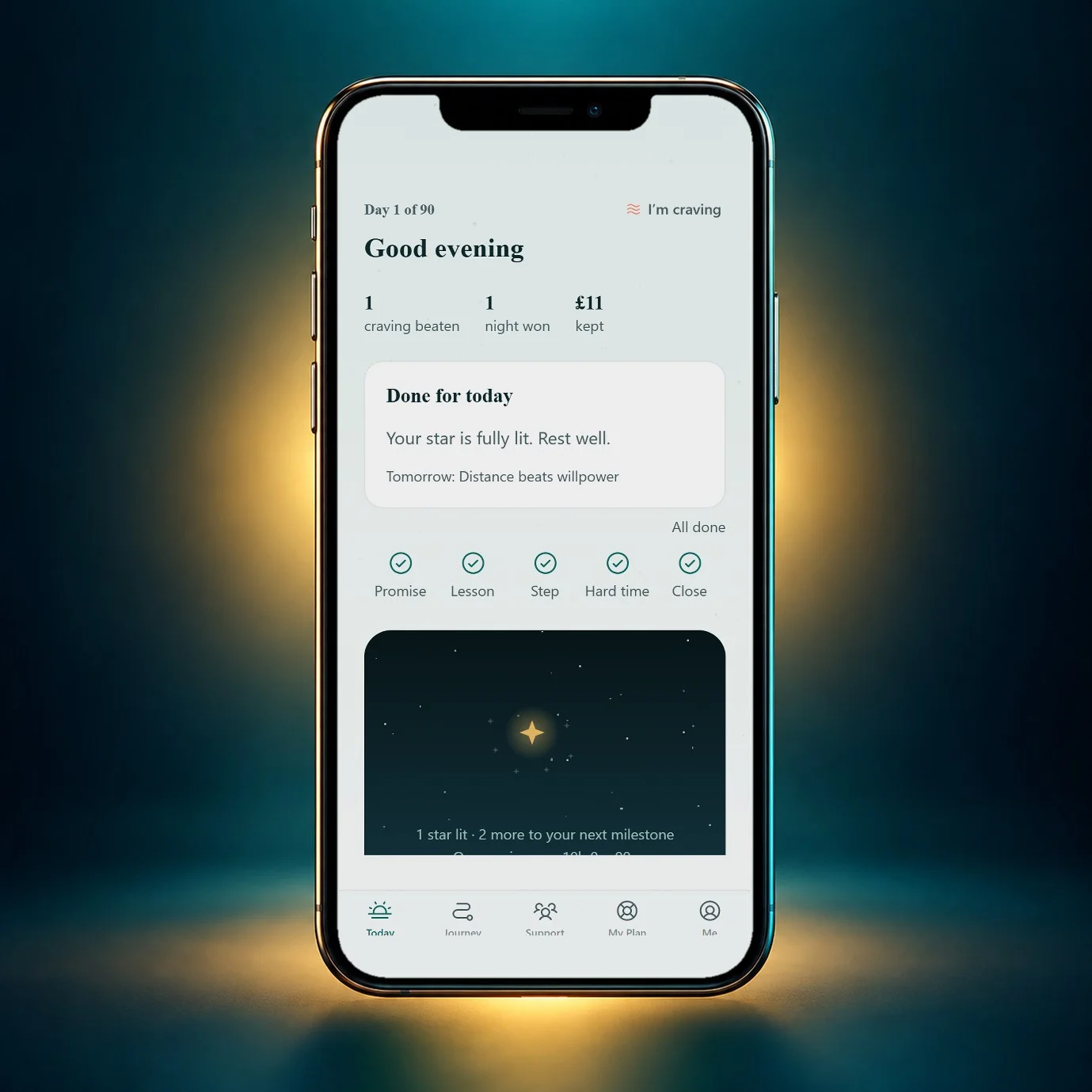
You unlock it to check one thing, and an hour is gone. Celestial helps you make your phone work for you, not the other way round.

First week free.
Help in a hard moment is always free.
The moments that usually win
-
The first unlock
Charge the phone outside the bedroom, so the morning starts with you, not the feed.
-
Quiet moments
A queue, the sofa, a pause at work. Something ready for them, so the feed isn’t the only option.
-
Notifications
Turn them off for social apps. You check them; they don’t call you.
What changes
Hours you can see
One honest weekly number shows the lost-hours days going down.
Calmer evenings
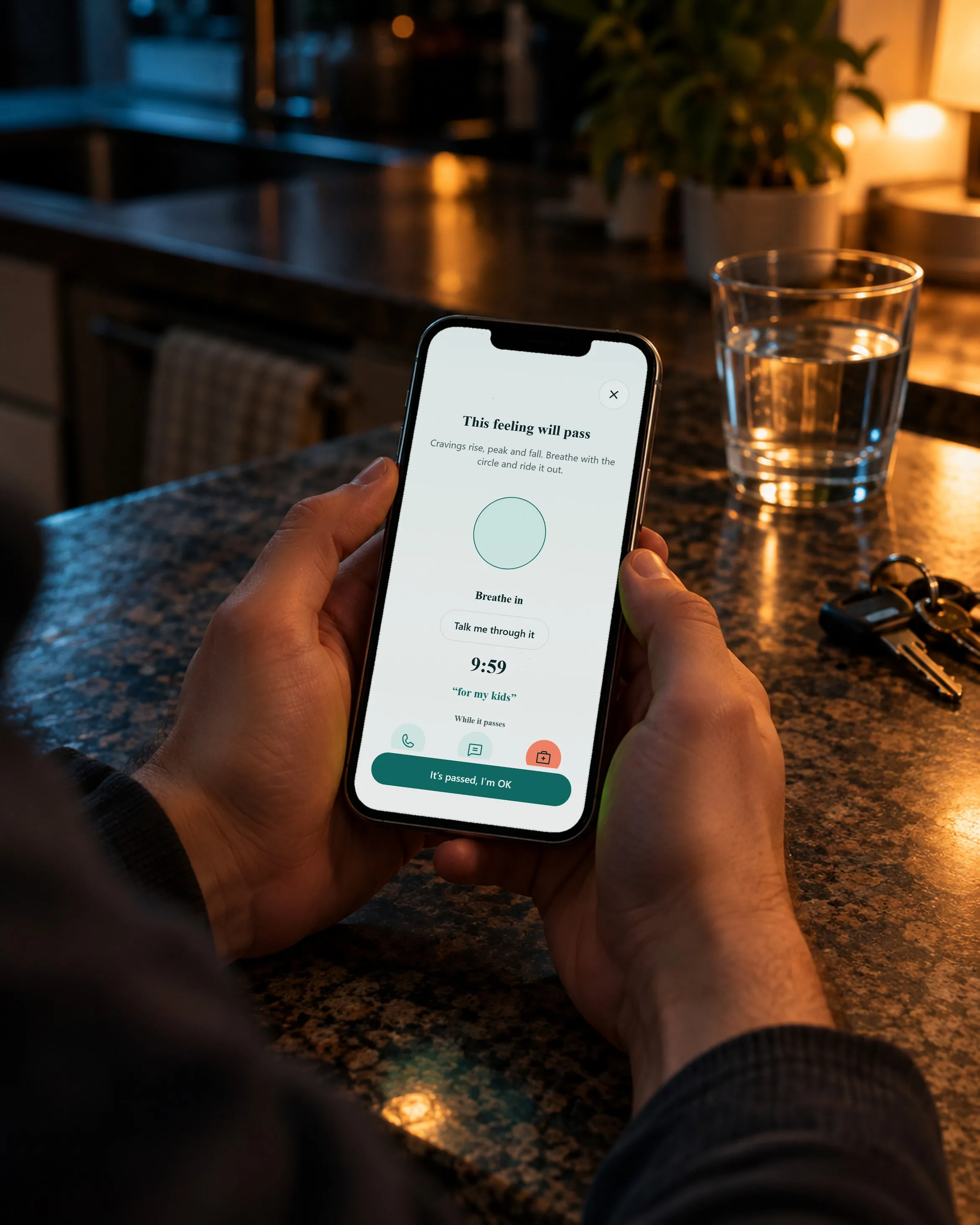
Each pull you ride out is counted, so you can see the habit loosening.
Not sure yet? Start by noticing
You can begin by just watching when you reach for it, with no promise asked.
Questions people ask
Do I have to delete my accounts?
No. Most people start by moving the apps off the home screen and turning notifications off.
Does it block apps?
Celestial walks you through the Screen Time limits your iPhone already has.
Isn’t it odd to use an app to use my phone less?
Celestial is quick on purpose: a few minutes a day, then it gets out of your way.
One day at a time, starting tonight.